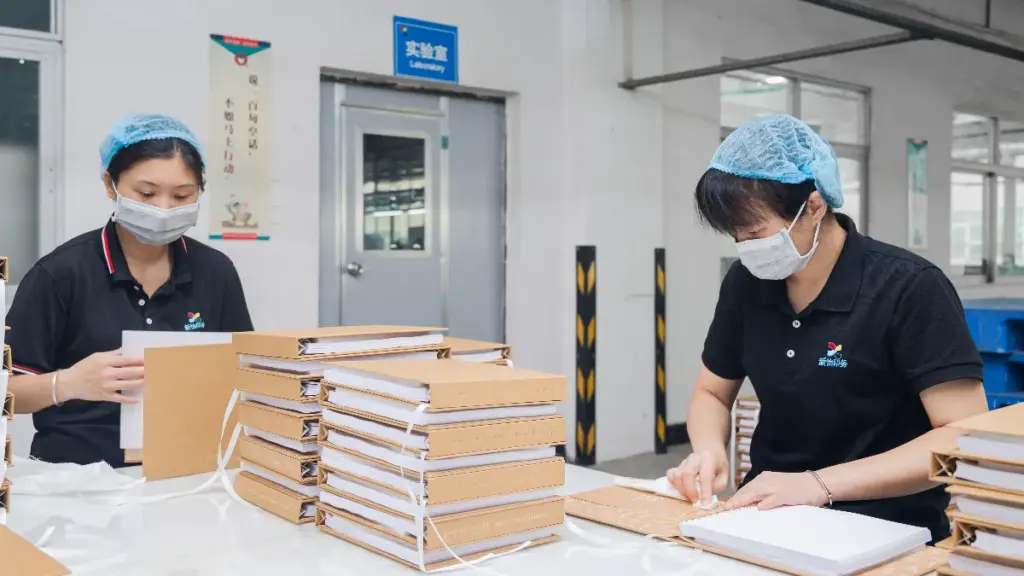


A booklet is a thin publication bound along one edge. Three fields settle its production before any plate is made: trim size, page count, and binding method. Each one constrains the other two.
This guide reads those three fields the way our prepress team reads a job ticket. The sizes, page-count rules, binding bands, paper weights, and file checklist below all come from our own product and support pages. Every number is tied to a stock or format we actually run.
What Counts As A Booklet
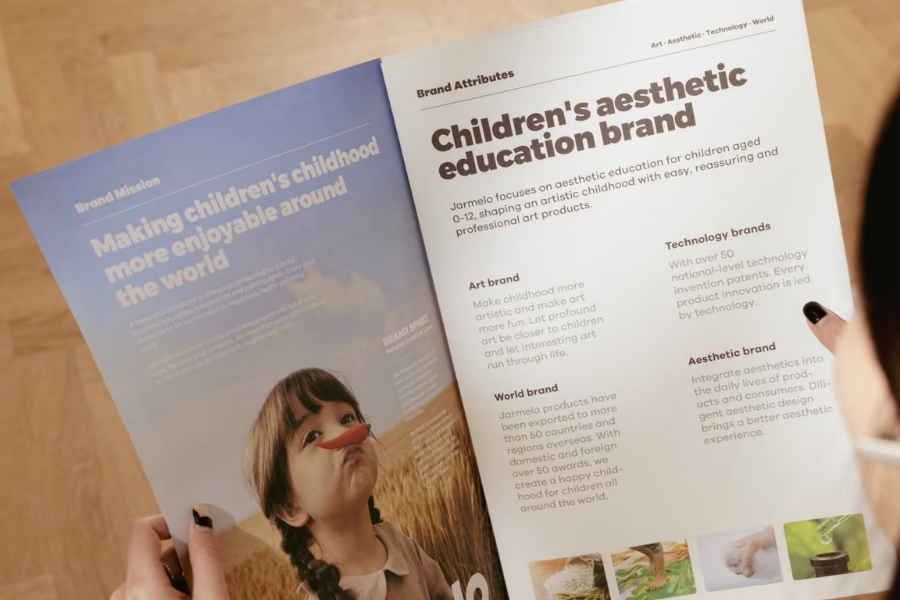
The word names a structure, not a marketing format. Instruction sets, training manuals, menus, event programs, and retail tag booklets all sit inside it, and each one pulls the specification in a different direction.
The terminology question has one answer on this site already. Our booklet vs brochure post separates the two words by purpose and convention. This guide stays on the production side: what a factory needs in order to quote the job.
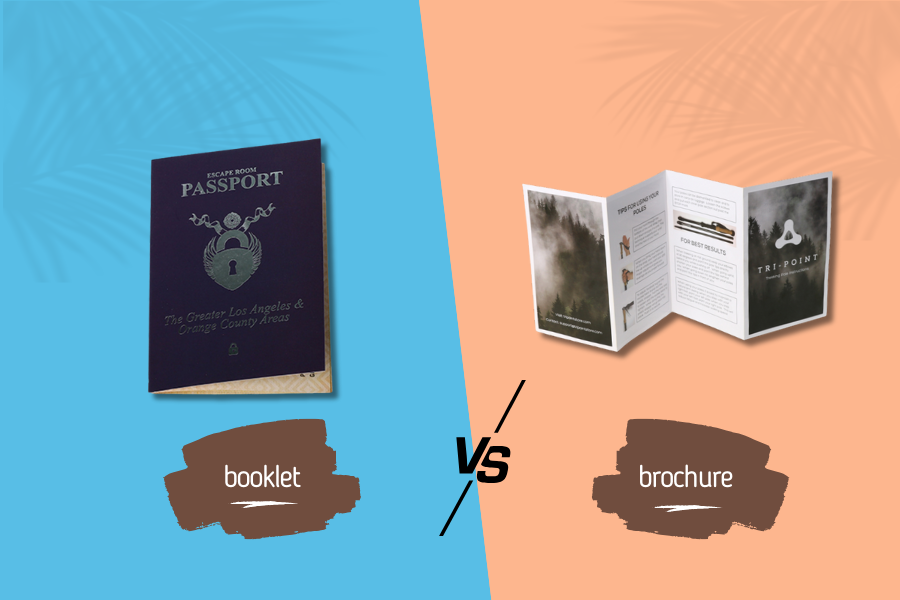
From the press, the same folding and binding equipment serves either label. What changes is the page budget, the cover choice, and the folding scheme, and those three fields are the whole brief.
Booklet Sizes We Run Most
Size follows content first: how much text sits on a spread, how many images you need, and where the finished piece has to go. Our booklet category lists A4 and A5 as the most economical standard sizes, with custom dimensions available on request.
| Trim size | Finished format | Where it works in bulk |
|---|---|---|
| A4 | 210 × 297 mm | Training manuals, service booklets, report summaries |
| A5 | 148 × 210 mm | Product instructions, café menus, brand guides |
| A6 | 105 × 148 mm, half of A5 | Passport-style booklets, pocket guides, hangtag sets |
| 5.5 × 8.5 in | 140 × 216 mm | Event programs, booklets enclosed with a package |
| Wide horizontal | Set by your trim choice | Cosmetic and product story booklets |
Two notes from our side of the press. A5 nests efficiently into parent sheets, which is why it carries most instruction and menu work. A6 suits stapled work at low thickness, as our A6 passport booklet line shows.
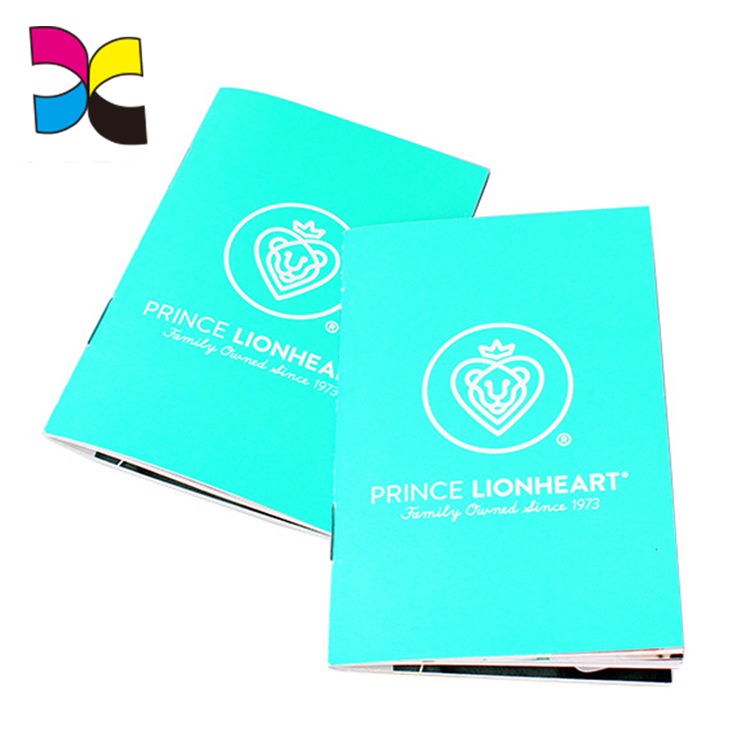
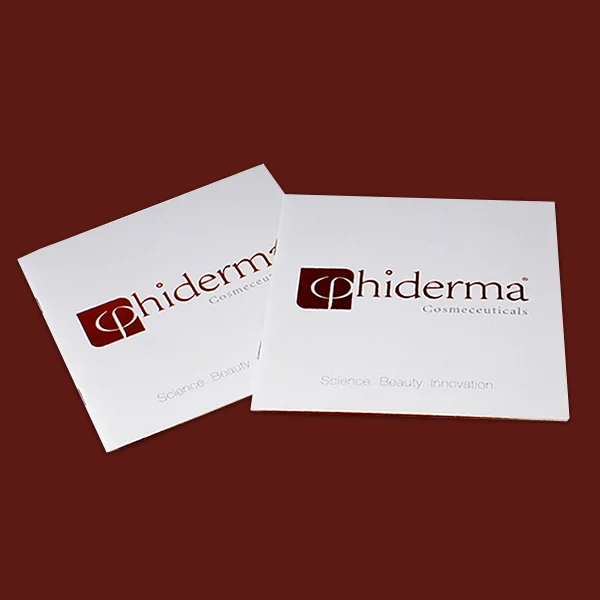
A wide horizontal trim reads well for product stories and cosmetic inserts, the format on our skincare booklet page. Square trims photograph well for brand use but sit awkwardly inside standard envelopes when mailing is part of the plan.
Page Count Follows The Fold
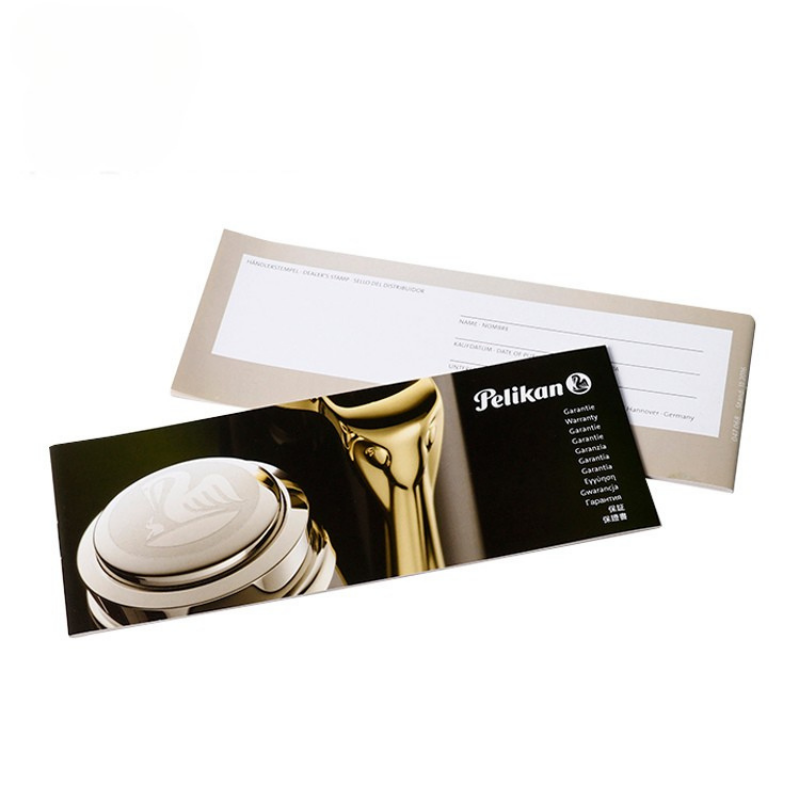
Booklet pages are produced from folded sheets, and one folded sheet carries four pages. That single fact sets the arithmetic. Our file setup guide asks for a total page count that is a multiple of four, such as 8, 12, 16, or 20.
If a manuscript does not land on a multiple of four, blank pages are added to complete the last sheet. Deciding that in advance is cheaper than finding it at imposition, and intentional blanks must stay in the PDF so the sequence keeps its meaning.
Saddle-stitched work runs from 8 to 64 pages. Above 64 pages, perfect binding becomes the better choice, which is the dividing line our category FAQ draws. A glued block counts differently: a PUR run only needs an even page count, because it is assembled from single leaves rather than folded signatures.
The full folding rules, including creep compensation across a stacked signature, are documented in our perfect binding vs saddle stitch article. This section stops at the ordering arithmetic.
Binding Options By Thickness
Binding is where a mockup either survives a bulk run or does not. The ranges and behaviour in the table below are the ones published on our book binding types page.
| Method | Page range | Opening behaviour | Cost level |
|---|---|---|---|
| Saddle stitch | 8 to 64, multiples of 4 | Closes completely flat | Lowest |
| Perfect binding, EVA | 48 to 400 | Stiff glued spine | Moderate |
| PUR binding | 48 to 600+ | Flexible spine, higher pull strength | Higher |
| Wire-O, double loop | 16 to 400+ | Full turn-over at the edge | Punching setup |
Saddle stitching nests folded sheets and staples them through the crease. At low to moderate thickness it is the fastest route and usually the least expensive. PUR uses a reactive adhesive with about three times the pull strength of standard hot melt, and it holds a flexible spine on heavy coated stock.
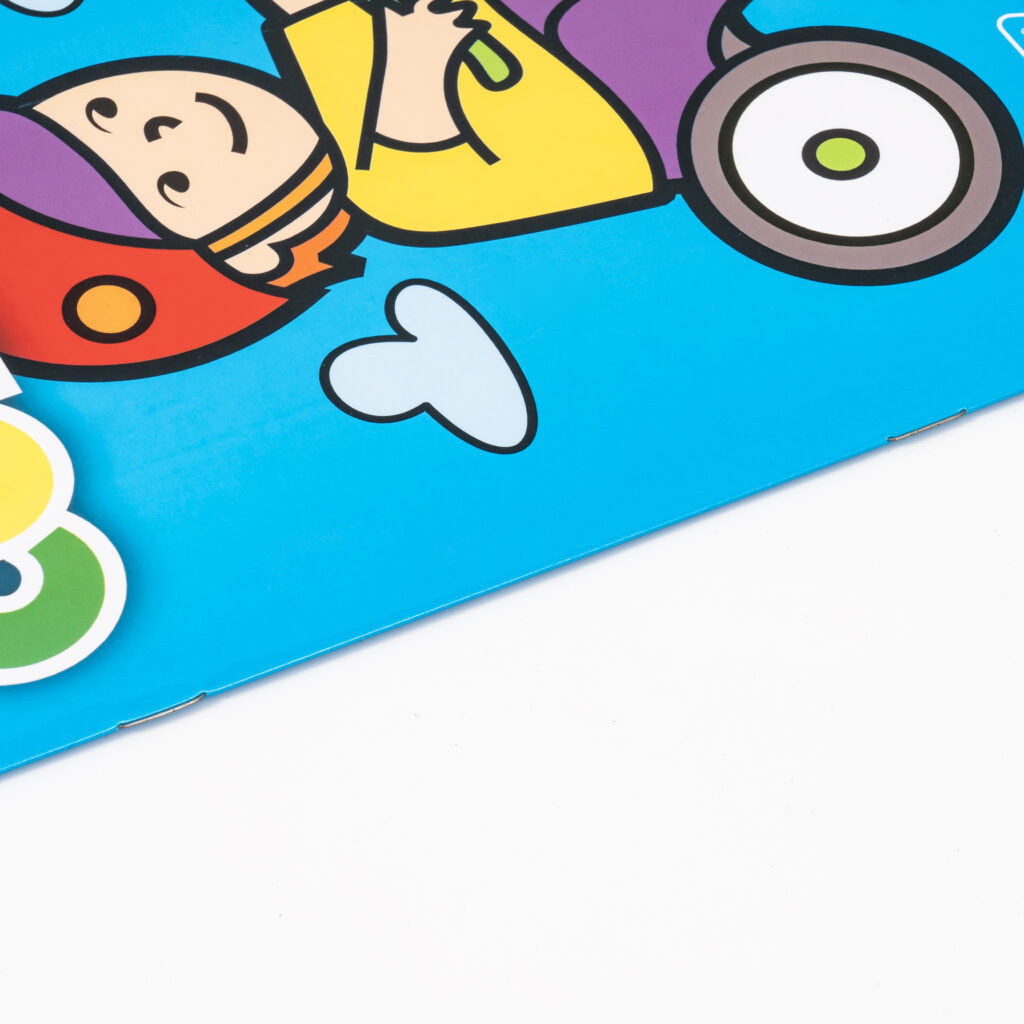
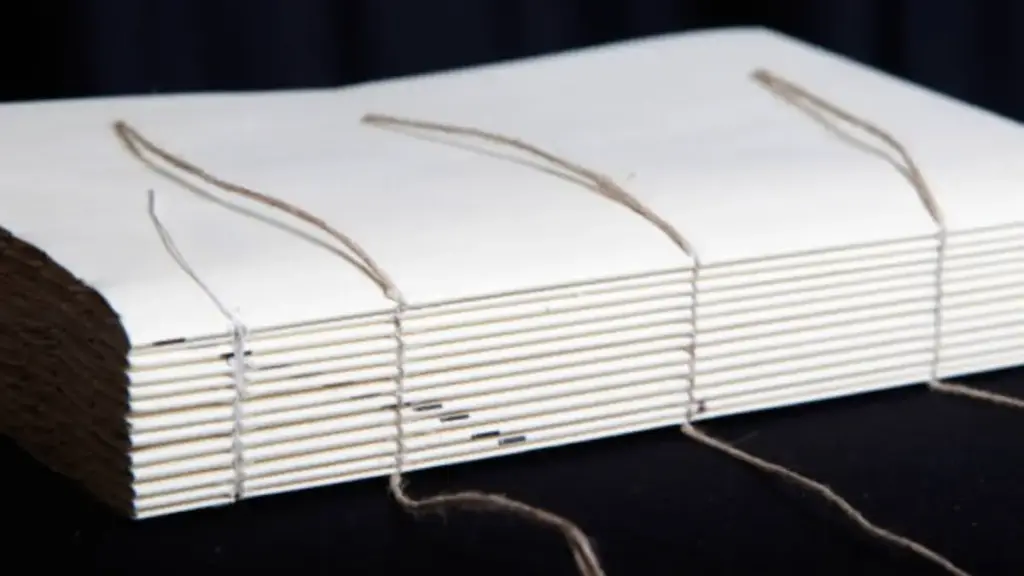
Wire-O and coil suit booklets that must lie flat on a worktop or hang from a hook. The two are not interchangeable, and our wire-O vs spiral binding comparison covers the differences in spine appearance and turn-over behaviour.
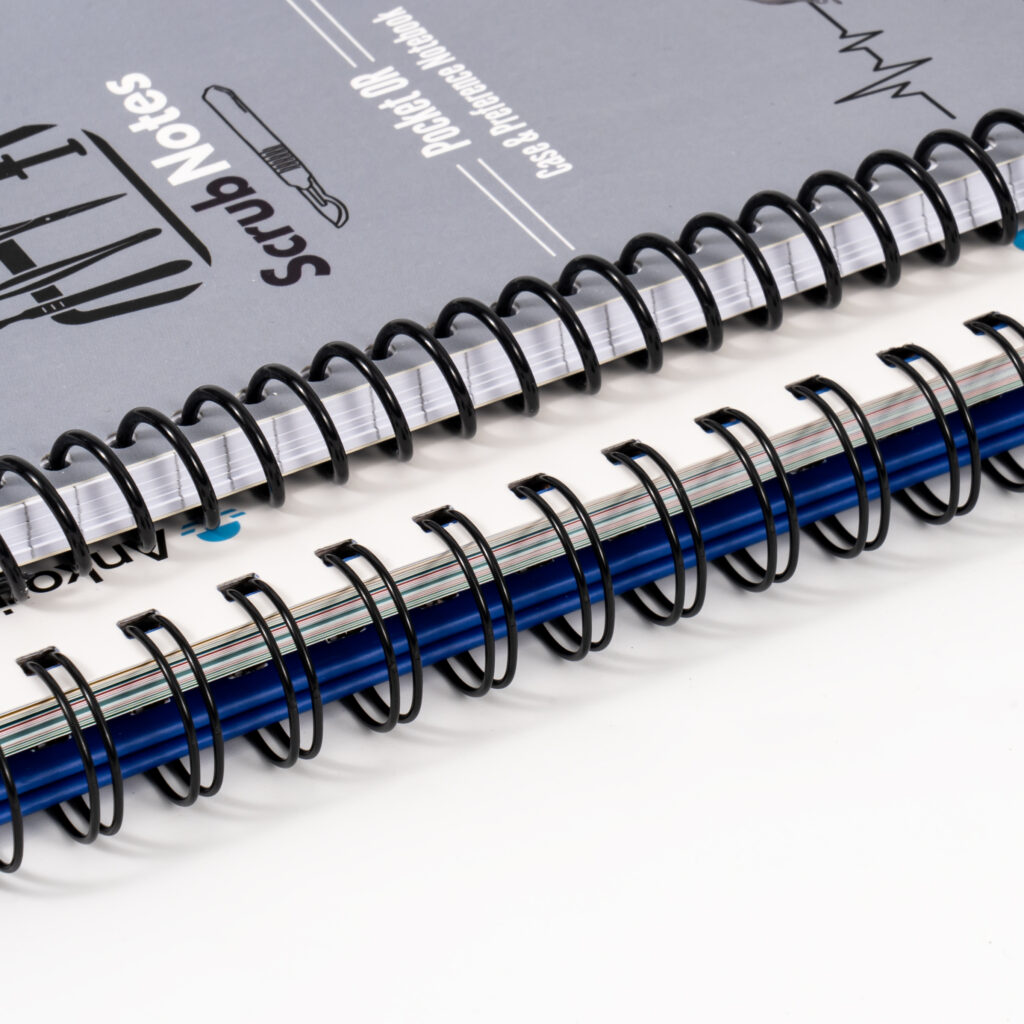
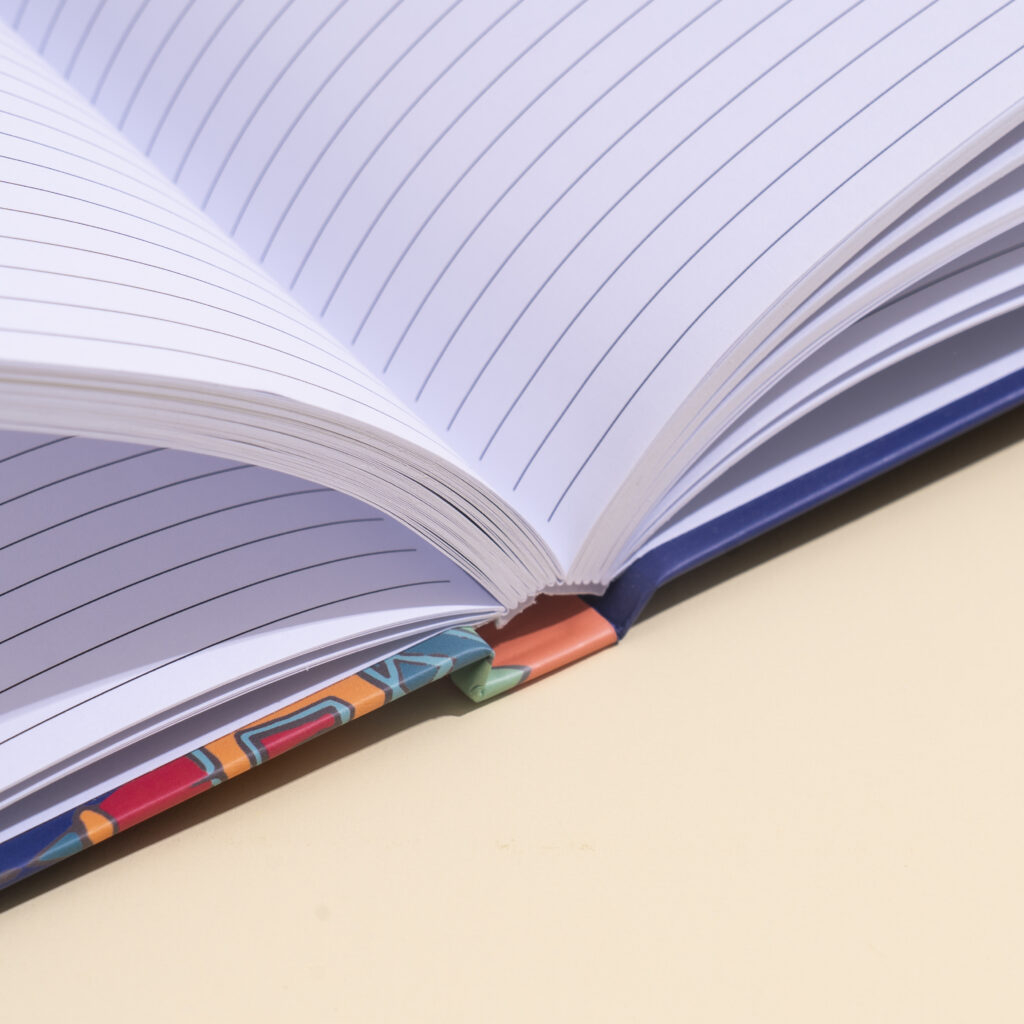
Once a block is too thick for staples to close cleanly, a milled and glued softcover spine is the usual route. The finished book sits closer to a manual than to a stapled program. Spine width is then calculated from paper bulk rather than page number alone.
Paper Weight By Use Case
Weight questions carry a second question underneath: how will this feel in hand, and will it survive being read. The bands below are the pairings our coated paper and offset pages publish, tied to use cases rather than stated as universal rules.
| Use case | Interior stock | Cover choice |
|---|---|---|
| Product and utility booklets | 80 to 100 gsm uncoated offset | 250 to 300 gsm card stock |
| Illustrated and brand booklets | 105 to 157 gsm gloss or matte coated | 250 gsm coated, often laminated |
| Write-in workbooks and forms | 70 to 100 gsm uncoated woodfree | 200 to 250 gsm coated |
| Self-cover stapled runs | 105 to 128 gsm coated | First and last sheet in 200 gsm gloss |
One practical limit is worth stating plainly. Coated stock is not writing-friendly: the sealed surface repels ballpoint and fountain pen ink, so it smears. A write-in booklet wants uncoated woodfree, which absorbs ink and stays glare-free. Our paper specifications guide covers the other spec lines that move cost and quality.
Stock naming and the terms printers throw back at you are answered in our book paper for printing guide. If you need to turn a gsm figure into thickness for spine math, how thick is paper holds the conversion table, and this article deliberately does not repeat it.
Cover Stock And Finish Choices
A self-cover booklet uses the first and last sheets of the text block as the cover, on heavier stock. Our coated paper page lists 200 gsm gloss for exactly that job. A plus-cover booklet adds a separate wraparound sheet, and the offset paper page carries 200 gsm uncoated as a softcover option.
Self-cover keeps the specification simple and removes one assembly step. A separate cover lets you change the face stock or the finish without touching the interior spec. Which reads cheaper per thousand depends on trim and page count, so we price both routes when a buyer is undecided.
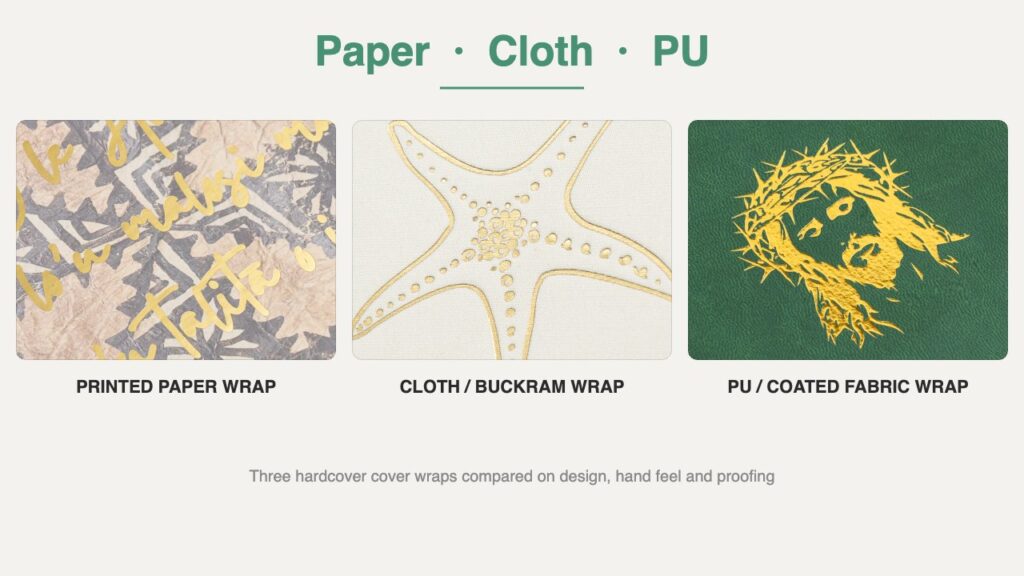
Finishes add a file requirement of their own. Matte or gloss lamination is a full-surface film and the safest base. Spot UV needs a matte background to read against, and it performs poorly on uncoated or kraft stock, where the varnish bleeds. Keep every embellishment at least 8 to 10 mm clear of a fold, and see our paperback cover finishes guide for the full list.
File Prep For A Bulk Run
Most booklet delays we see are file-side, not press-side. This is what prepress wants in the PDF before a run goes to imposition, taken from our file setup guide.
| Item | What to deliver | Why it matters on press |
|---|---|---|
| Format | PDF/X-4, or PDF/X-1a as a legacy option | Colour behaviour and font embedding are locked |
| Bleed | 3 mm past the trim line on all outer edges | Trimming variance leaves no white slivers |
| Live area | Text and logos 5 to 10 mm inside the trim | Guillotine variance cannot cut content |
| Gutter | 6 to 8 mm stapled, 10 to 15 mm glued | Absorbs creep and spine pull |
| Page order | Single consecutive pages, blanks kept | Imposition builds the folding scheme |
| Cover file | One flat spread, separate from the interior | Spine width depends on final paper caliper |
| Fonts and text | Embedded or outlined, body copy 100% K | No substitution, no registration halo |
| Images and colour | 300 effective DPI, converted to CMYK | RGB shifts saturated blues and greens |
| Guides | Remove trim marks, layers and comments | Template lines can print on the sheet |
Two rows deserve a note, because they invert what design software offers by default. Export single pages rather than reader spreads or printer flats: the imposition team builds the folding scheme, and guessing it upstream creates rework. Then strip the guides. Trim marks, dieline layers, and hidden comments belong in your working file, not in the PDF we plate from.
On format, PDF/X is a family of ISO 15930 subsets built for graphics exchange. PDF/X-4 keeps colour-managed data and live transparency, while PDF/X-1a flattens transparencies and limits colour to CMYK and spot. Choose by artwork complexity, and confirm the choice with your printer before export.
Body copy should sit on the black plate alone, at C0 M0 Y0 K100 with overprint set. Four-colour rich black on small text shows a coloured fringe under normal press registration. Reserve rich black, typically C30 M30 Y30 K100, for solid panels larger than 20 mm.
Proofing Before The Press Run
Our proofing and samples page splits verification into two stages. A digital PDF proof is included for every project and returns in 12 to 24 hours. It confirms pagination, reading sequence, and text flow, and it carries trim and bleed guides.
A physical press proof is a different instrument. It takes 5 to 7 working days plus 3 to 5 days of express shipping. It is also the only way to judge paper texture, ink absorption, and the relief of a foil or embossed pass. Monitors work in RGB light; the press works in CMYK inks, and the two will not agree on saturated colour.
Sample orders come in three forms: digital, blank, and completed. The sample fee is credited against the production invoice once the order reaches standard MOQ, and a prepress file check on submitted artwork runs within 24 hours.
MOQ And Cost Drivers
Standard production starts at 200 copies, with quotation tiers at 200, 500, 1,000, and above 1,000. Offset setup carries fixed cost, so the per-copy share falls as the run grows. Reprints also start at 200 copies, and we keep production files and plates for two years after a job.
Lead time is 10 to 15 days from deposit and confirmed proof. The main levers, in rough order of impact at typical tiers: sheet area consumed by trim and bleed, then page count rounded up. After those come the paper band, the binding method, the cover finish, and the quantity. The factor-by-factor cost breakdown lives in our book printing cost article.
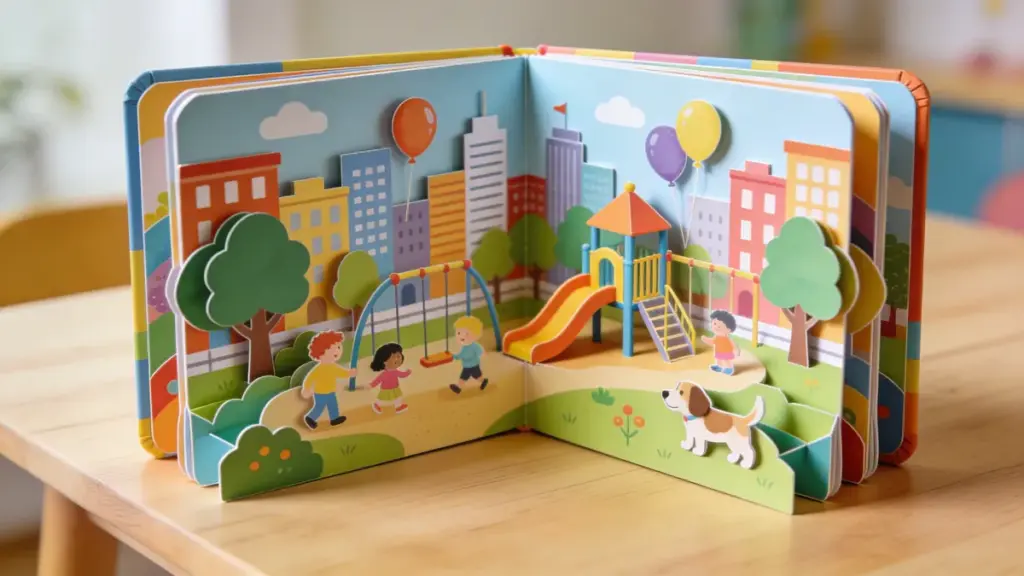
Multi-version programs are common at booklet scale. A children’s activity run we produced for a US client split into a 1,000-copy English edition and a 200-copy Spanish edition. Both versions ran on one schedule with shared specifications and separate delivery arrangements. Our bulk orders guide explains how those versions stay aligned.
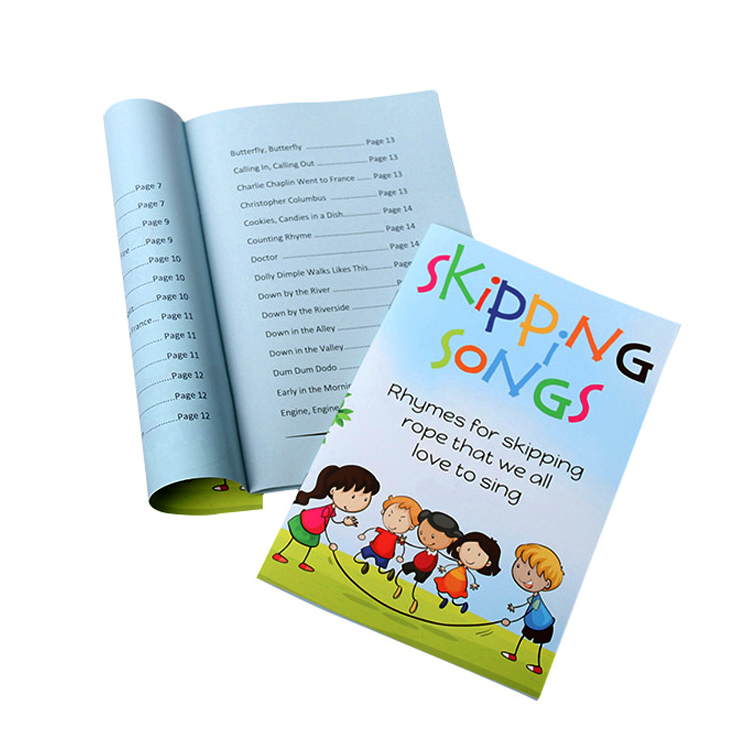
On the commercial side, we quote across EXW, FCA, FOB, CFR, CIF, CIP, DAP, DPU, and DDP terms. Kitting is available when a booklet ships inside a larger package, including shrink-wrapping to a set count or bundling with other printed materials. That school activity booklet above is one example of a run packed to a per-child count.
Booklet Quotes Built From Three Fields
Final Thoughts
A booklet specification is three decisions and one file. Choose the trim, set the page count to a multiple of four, pick the binding that matches the thickness, and deliver a PDF that obeys the prepress rules above.
Fill those lines before asking for a price and quotations come back comparable. The booklet category shows finished work across instruction, retail, and event formats, and our contact page takes a brief with your page count and trim attached.
Frequently Asked Questions
What is the minimum order quantity?
Standard production starts at 200 copies, with quotation tiers at 200, 500, 1,000, and above 1,000. Reprints also start at 200 copies, and production files and plates are retained for two years.
Does a booklet need a separate cover?
Not always. A self-cover run uses the first and last sheets as the cover, typically 200 gsm coated stock. A separate wraparound cover usually sits at 250 to 300 gsm and lets you change the finish without touching the interior specification.
Should I send printer spreads?
No. Send single pages in consecutive reading order, with intentional blank pages kept in the file. Our prepress workflow arranges those pages into the folding scheme, and pre-built spreads create rework at imposition.
What paper weight should I choose?
For everyday product booklets, 80 to 100 gsm uncoated interiors with a 250 to 300 gsm cover is the pairing on our category page. For a high-end illustrated run, 157 gsm gloss or matte art paper with a 250 gsm cover is the stated step up.
How long does production take?
The booklet product pages quote 10 to 15 days after the deposit is received and the proof is confirmed. A digital PDF proof returns in 12 to 24 hours, and a physical press proof adds 5 to 7 working days plus express shipping.