
Quick Prepress Checklist
Before uploading your final publication files to Xinyi Printing, perform a structured quality audit against these 10 essential prepress manufacturing standards:
Document page dimensions match the requested finished book size (W × H).
All background graphics, 写真, and color fills extend 3mm past the trim line.
All photos and artwork maintain at least 300 DPI effective resolution at 100% scale.
All images, vector art, and tints are converted to CMYK (no unmanaged RGB/Lab).
All typographic fonts are 100% embedded in PDF or converted to vector curves.
Body copy set to pure C:0 M:0 Y:0 K:100 Overprint. Never use 4-color Rich Black for text.
Cover flat spread (Back + 脊椎 + Front) and single-page interior PDF exported separately.
Delete all dieline guides, trim marks, designer comments, and hidden template layers.
PDF ordered 1, 2, 3... with intentional blank pages preserved in the file.
Hot foil, スポットUV, and debossing placed on dedicated vector layers with named spot swatches.
Accepted File Formats
We operate automated Heidelberg Prinect prepress workflows and high-precision Screen CTP thermal plate setters. Supplying standard file formats guarantees zero rasterization errors, correct transparency blending, and pristine font rendering.
| ファイル形式 | Prepress Grade | おすすめ | 理想的な用途 | Key Requirements |
|---|---|---|---|---|

PDF/X-4:2010
.pdf (ISO 15930-7)
|
ISO Standard | Top Choice | Full multi-page books, art catalogs, グラフィックノベル | Preserves live transparency, embeds ICC profiles, supports Pantone spot colors. |
|
PDF/X-1a:2001
.pdf (ISO 15930-1)
|
Legacy Press | Supported | Text novels, trade books without complex drop shadows | All transparencies pre-flattened; 100% CMYK and Spot color separation. |

Adobe InDesign
.indd (Packaged)
|
Source Package | Accepted | Publications requiring prepress layout adjustment | Package complete folder with document fonts, linked graphics, and IDML file. |

Adobe Illustrator
.あい (Vector Art)
|
Vector Native | Accepted | Book covers, ダストジャケット, dielines, パッケージング | Convert all fonts to vector outlines; embed or link 300 DPI CMYK raster images. |

Adobe Photoshop
.psd / .tif
|
Raster Native | Accepted | Photographic covers, fine art prints, illustration spreads | Preserve layers for prepress retouching; 300+ DPI at 100% scale; CMYK color mode. |

JPEG / JPG
.jpg / .jpeg
|
Raster Image | 限定 | High-res photo assets only (not for multi-page text) | Maximum quality (compression level 12); minimum 300 DPI. Not recommended for books. |
• Print-Ready PDF Submissions: When you provide a certified press-ready PDF (例えば. PDF/X-4), all typography and linked images are already encapsulated within the PDF container. Separate font files and raw image folders are not required.
• Native Source File Submissions (AI / INDD / PSD): When submitting raw design files for factory prepress intervention, you must package and provide all linked high-resolution images and original font files to prevent missing asset errors during plate RIP.
Page Setup (Geometry & Interior Layout)
Accurate page geometry and structured interior pagination prevent artwork clipping during guillotine trimming and ensure ergonomic reading across different binding mechanisms.
3.1 Page Geometry: トリムサイズ, ブリード & Safe Area
トリムサイズ
The exact finished dimensions of the book after final three-knife mechanical trimming (例えば. 6" × 9" / 152 × 229 mm).
Bleed Zone
Background colors, 写真, and full-bleed illustrations must extend at least 3mm past the trim line. Never use white margins to fake bleed.
Safe Area
Keep all page numbers, chapter headers, body text, and logos at least 5mm–10mm inside the trim line to prevent edge trimming risks.
Page Geometry: ブリード, Trim Line & Safety Zone
3.2 Interior File Setup: Mandatory Production Standards
Follow these essential prepress structural directives when exporting your book block interior PDF:
1. Single Consecutive Pages (NOT Spreads)
Always export interior PDFs as individual sequential leaves. Never submit reader's spreads or printer's imposition flats. Our prepress workflow automatically arranges single pages into factory signatures for offset litho presses.
2. Preserve Intentional Blank Pages
The PDF page sequence must mirror physical reading order. Deleting blank pages causes odd/even pagination inversion, forcing right-hand chapter openers onto left-hand leaves on press.
3. Page Count Divisibility by Binding
4. Gutter Margin Allowance for Spine Depth
Terminology Clarification: Pages vs. Spreads vs. シート
Page (Single Page)
One single side of a printed paper leaf. A 100-page book contains 100 sequentially numbered pages.
Spread (見開きページ)
Two facing pages viewed simultaneously when opened flat (Left Page 2 + Right Page 3).
Sheet (Physical Leaf)
One physical piece of paper bound into the book. 1 Sheet = 2 ページ (Front & Back).
カバー & Spine Setup & Templates
Unlike interior pages submitted as single individual leaves, a book cover must be created and exported as a single unified flat spread containing the Back Cover, 脊椎, and Front Cover in one file.
4.1 Cover File Anatomy & Wrap Specifications
| Cover Component | ペーパーバック (ソフトカバー) | ハードカバー (Casebound) | Key Prepress Rules |
|---|---|---|---|
| Front Cover | Exact Trim Size | Exact Trim Size + 3mm Board Overhang | Focal artwork, primary title typography, and author credit. |
| Back Cover | Exact Trim Size | Exact Trim Size + 3mm Board Overhang | Contains barcode box, book synopsis, and publisher imprint. |
| 脊椎 | Calculated Spine Width | Calculated Spine Width + 板厚 | Calculated from paper caliper and page count; center spine text. |
| Outer Bleed / Wrap | 3mm (0.125") ブリード | 15mm–20mm (0.6"–0.8") ラップアラウンド | Hardcover wrap allowance folds around the greyboard into the turn-in. |
| Hinge / Joint (Groove) | None | 8mm–10mm Hinge Grooves | Keep foil stamping and debossing 10mm clear of the hinge score line. |
| Flaps (オプション) | 70mm–100mm French Flaps | 70mm–100mm Dust Jacket Flaps | Folded into the cover; requires precise fold score indicators. |
| Barcode Area | Min 32 × 20 mm | Min 32 × 20 mm | Place on 100% pure white background box in 100% K pure black. |
Hardcover Casebound Cover Spread Anatomy
Cover spread dimensions cannot simply be guessed or calculated from trim size alone. Spine thickness varies depending on exact paper stock, basis weight, caliper, and binding method. Our engineering team confirms the official customized dieline template once your manufacturing specs are finalized.
4.2 Spine Width Calculation & Caliper Reference
Spine thickness is calculated from interior page count, paper caliper, cover board gauge, and binding adhesive allowances:
Factory Spine Thickness Calculation Formula
- Interior Page Count ÷ 2 = Total physical paper leaves in the book block.
- Paper Caliper = Exact micron thickness per sheet (例えば. 128gsm Coated Paper = 0.102mm).
- Cover Board Thickness = For Hardcover, add greyboard thickness × 2 (例えば. 2.0mm × 2 = 4.0mm) + 0.3mm wrap allowance. For Paperback, add cover paper caliper (例えば. 0.26mm × 2 = 0.52mm).
Comprehensive Paper & Greyboard Caliper Reference Matrix
| 坪量 | Gloss Caliper | Gloss Thickness | Matte Caliper | Matte Thickness |
|---|---|---|---|---|
| 80 GSM | 65 μメートル | 0.065 mm | 65 μメートル | 0.065 mm |
| 90 GSM | 72 μメートル | 0.072 mm | 75 μメートル | 0.075 mm |
| 100 GSM | 80 μメートル | 0.080 mm | 87 μメートル | 0.087 mm |
| 105 GSM | 84 μメートル | 0.084 mm | 95 μメートル | 0.095 mm |
| 128 GSM | 102 μメートル | 0.102 mm | 114 μメートル | 0.114 mm |
| 157 GSM | 133 μメートル | 0.133 mm | 146 μメートル | 0.146 mm |
| 200 GSM | 171 μメートル | 0.171 mm | 198 μメートル | 0.198 mm |
| 250 GSM | 265 μメートル | 0.265 mm | 265 μメートル | 0.265 mm |
| 300 GSM | 320 μメートル | 0.320 mm | 320 μメートル | 0.320 mm |
| 350 GSM | 375 μメートル | 0.375 mm | 375 μメートル | 0.375 mm |
| 坪量 | Offset Woodfree | Offset Thickness | Cream Bulky Paper | Cream Thickness |
|---|---|---|---|---|
| 60 GSM | 76 μメートル | 0.076 mm | 114 μメートル (1.8x Bulk) | 0.114 mm |
| 70 GSM | 87 μメートル | 0.087 mm | 130 μメートル (1.8x Bulk) | 0.130 mm |
| 80 GSM | 99 μメートル | 0.099 mm | 148 μメートル (1.8x Bulk) | 0.148 mm |
| 90 GSM | 109 μメートル | 0.109 mm | 162 μメートル (1.8x Bulk) | 0.162 mm |
| 100 GSM | 118 μメートル | 0.118 mm | 180 μメートル (1.8x Bulk) | 0.180 mm |
| 120 GSM | 140 μメートル | 0.140 mm | 216 μメートル (1.8x Bulk) | 0.216 mm |
| 140 GSM | 165 μメートル | 0.165 mm | — | — |
| Board Weight | Micron Caliper | Finished Thickness | Recommended Book Style |
|---|---|---|---|
| 935 GSM | 1400 μメートル | 1.5 mm | Compact trade titles, small poetry books under 150 ページ. |
| 1200 GSM | 1850 μメートル | 2.0 mm (標準) | Standard trade hardcovers, children's picture books (5.5×8.5"). |
| 1350 GSM | 2100 μメートル | 2.5 mm (Heavy) | Premium art books, coffee table catalogs (8.5×11"). |
| 1500 GSM | 2350 μメートル | 3.0 mm (Ultra-Deluxe) | Deluxe collector's editions, heavy slipcased volumes. |
4.3 Downloadable Book Dielines & Cover Templates
Download our pre-engineered CAD dieline PDF templates complete with exact trim lines, 3mm bleed limits, safety zones, hinge folds, and glue tabs:
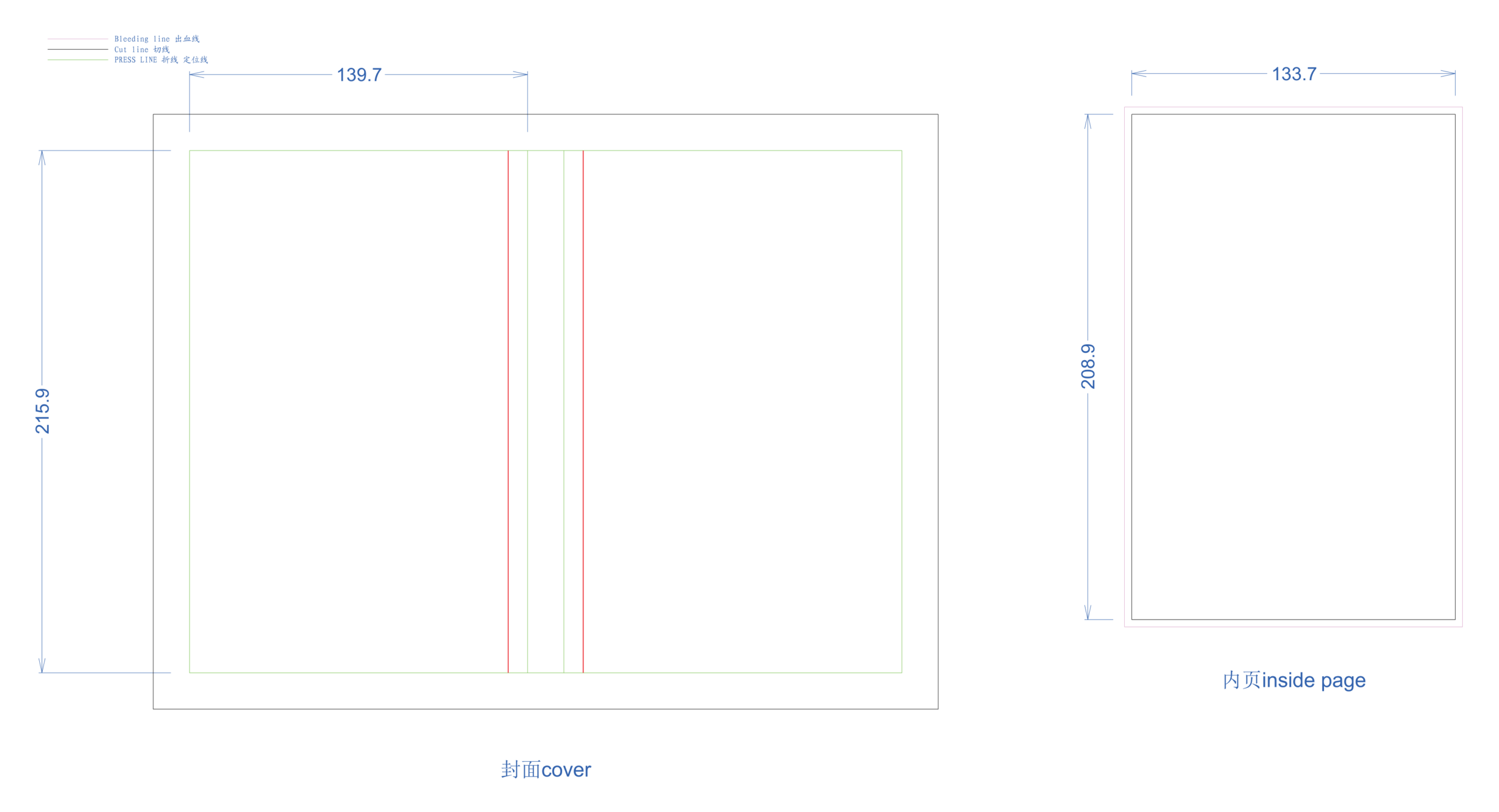
Standard Hardcover Book
Full casebound spread layout with 2.0mm greyboard allowance, 15mm turn-in wrap, and 8mm hinge grooves.
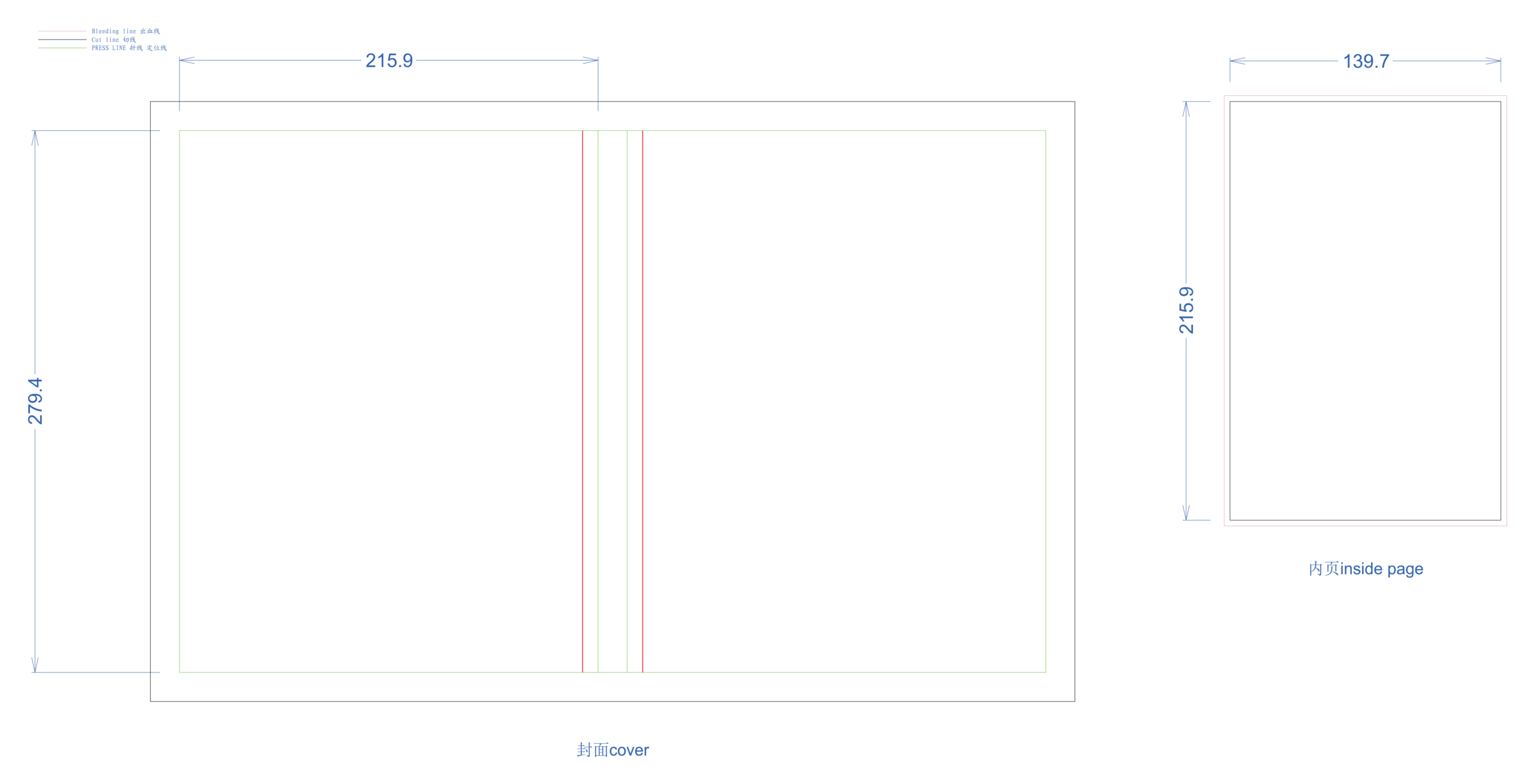
Large Art & Photo Hardcover
Heavyweight casebound jacket & cover template configured for 2.5mm greyboard and reinforced joint hinges.
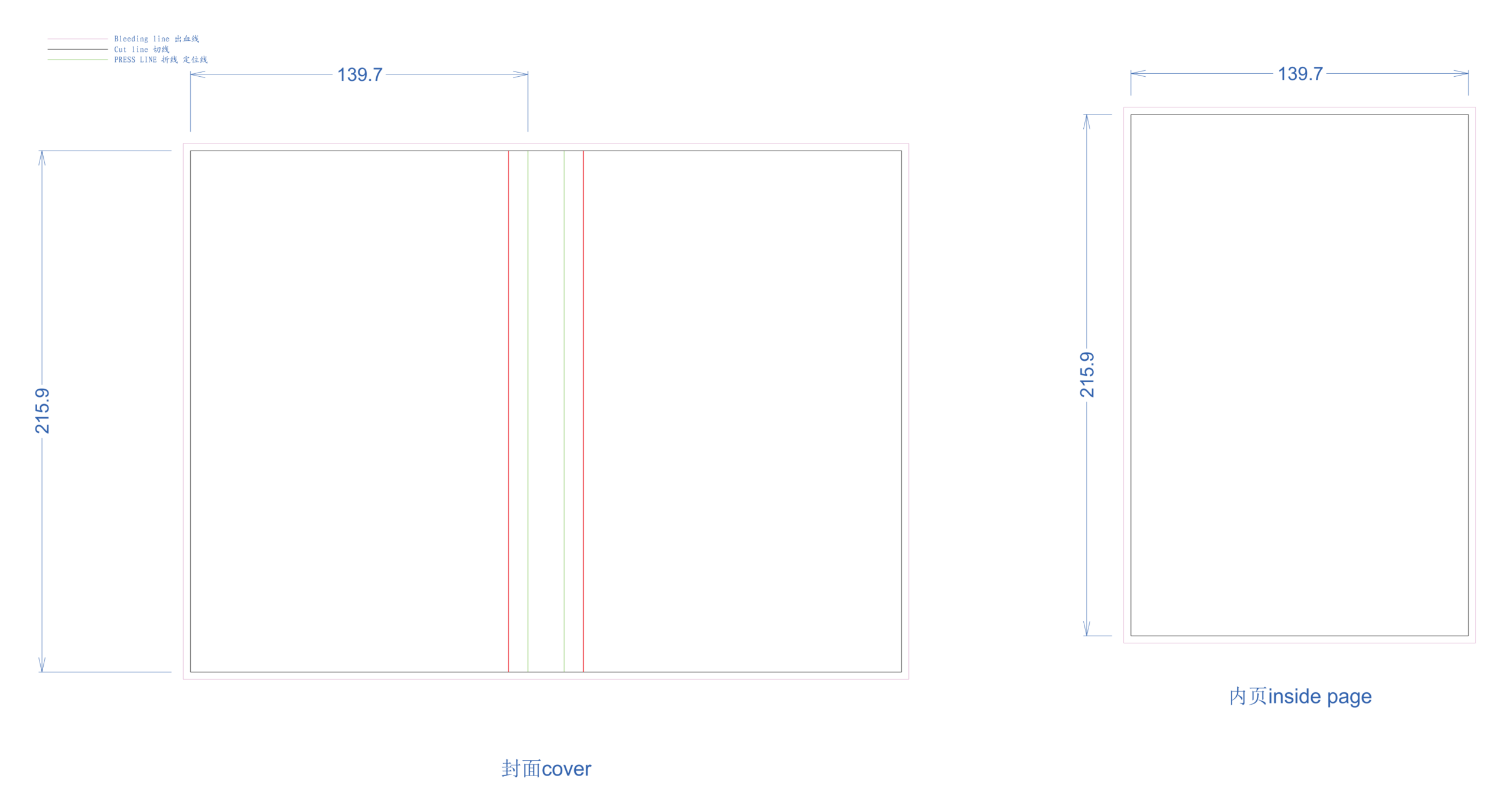
Trade Paperback (パーフェクトバウンド)
Softcover spread with 5mm hinge crease scoring lines, spine width zone, and 3mm outer bleed envelopment.
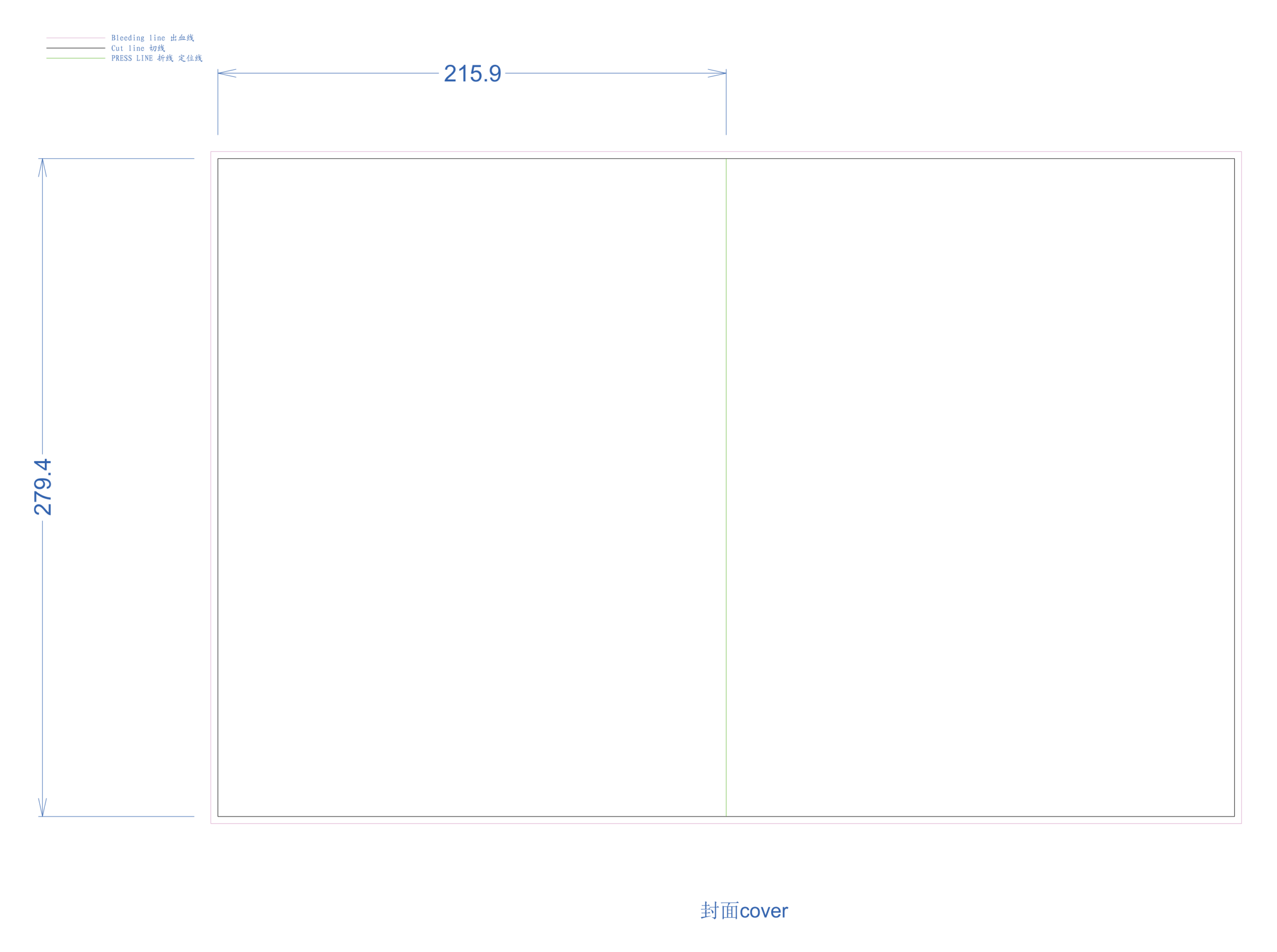
Saddle Stitch Booklet / Catalog
2-wire saddle stitched booklet template with fold crease line and outer margin creep compensation guides.
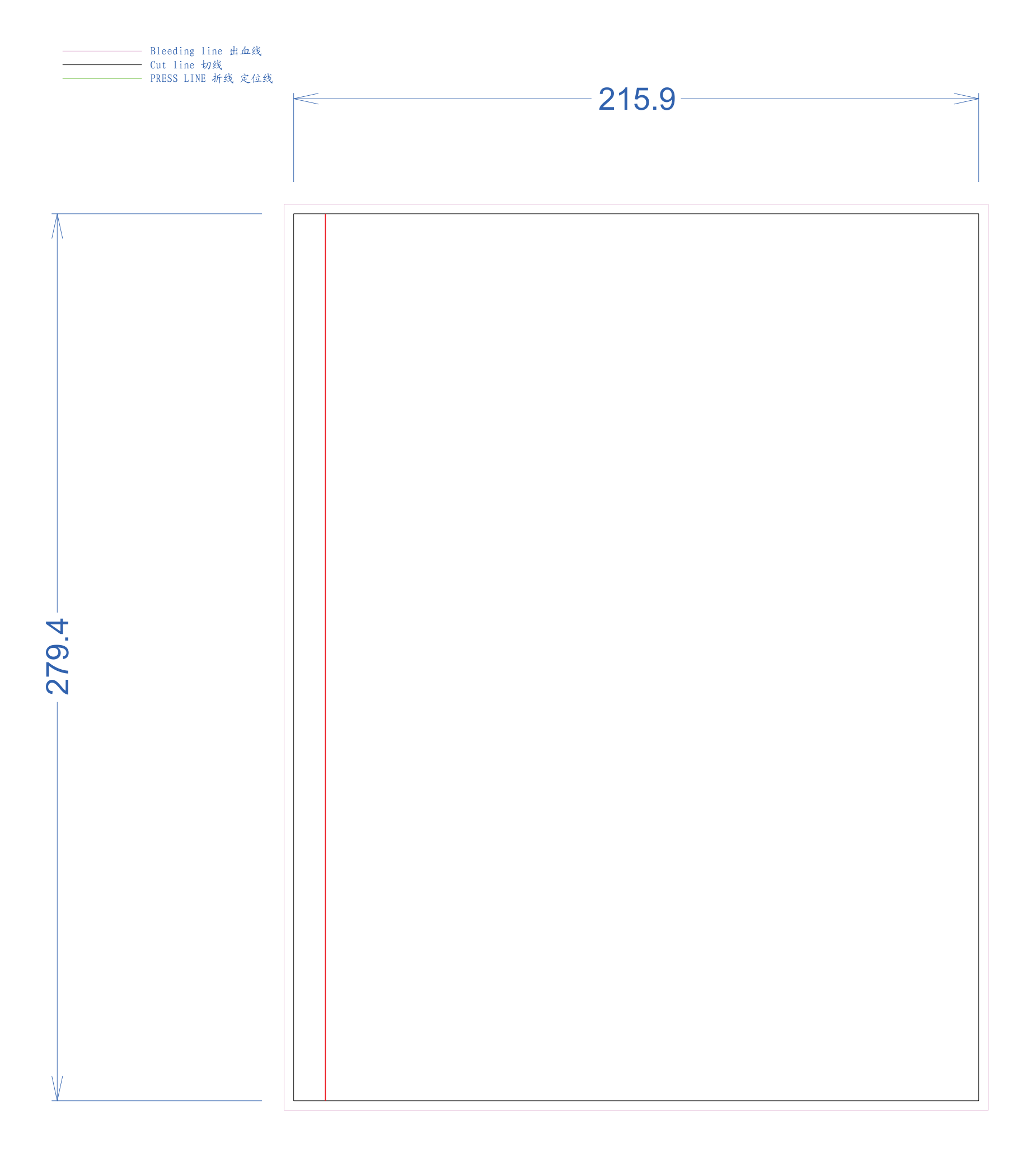
Spiral Bound Notebook / Workbook
Plastic coil layout template marking the 12mm gutter margin required for clean multi-hole punching.
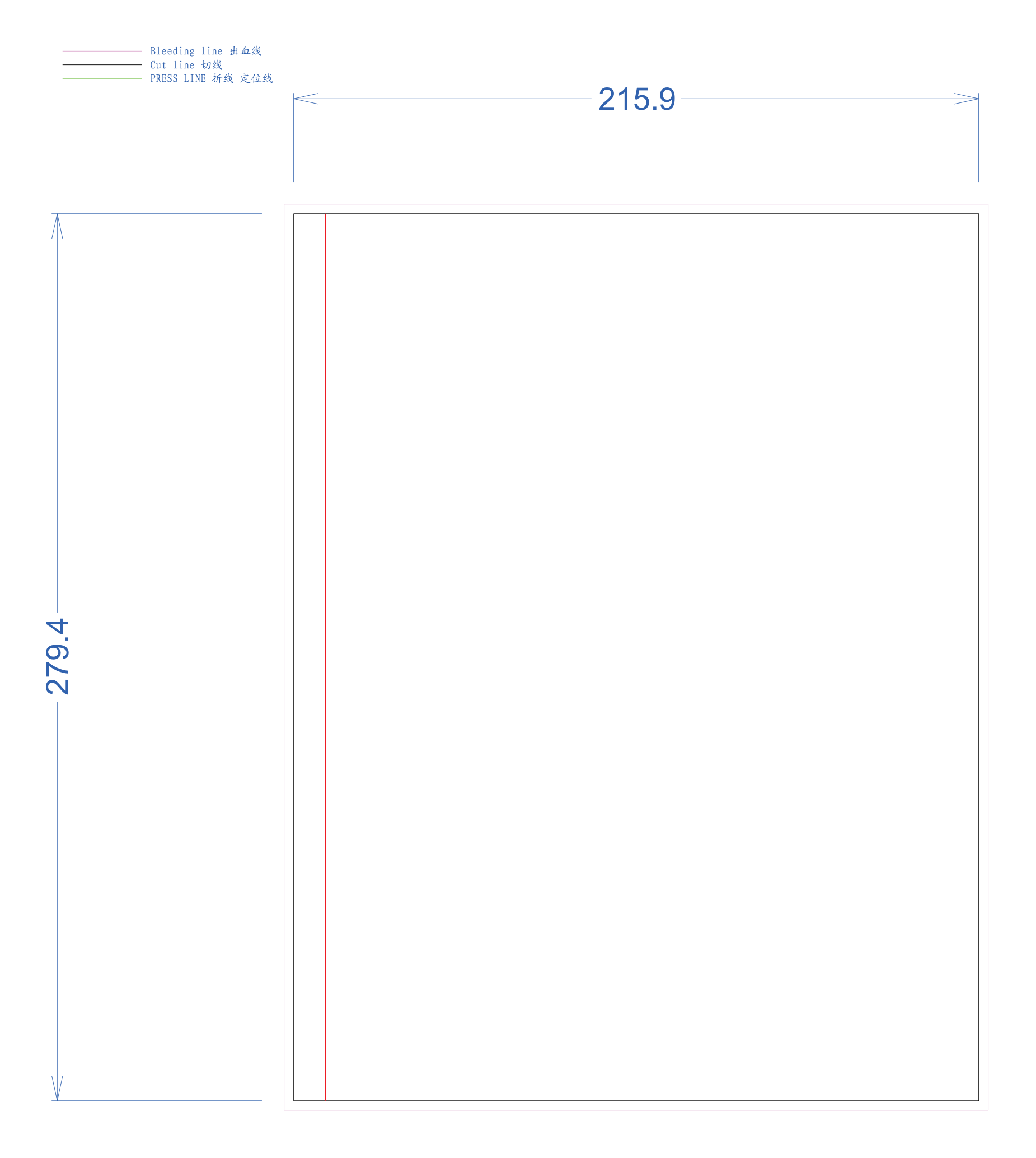
Wire-O Twin Loop Journal
3:1 pitch twin-loop metal wire binding dieline with safe margin offsets for hardcover and softcover styles.
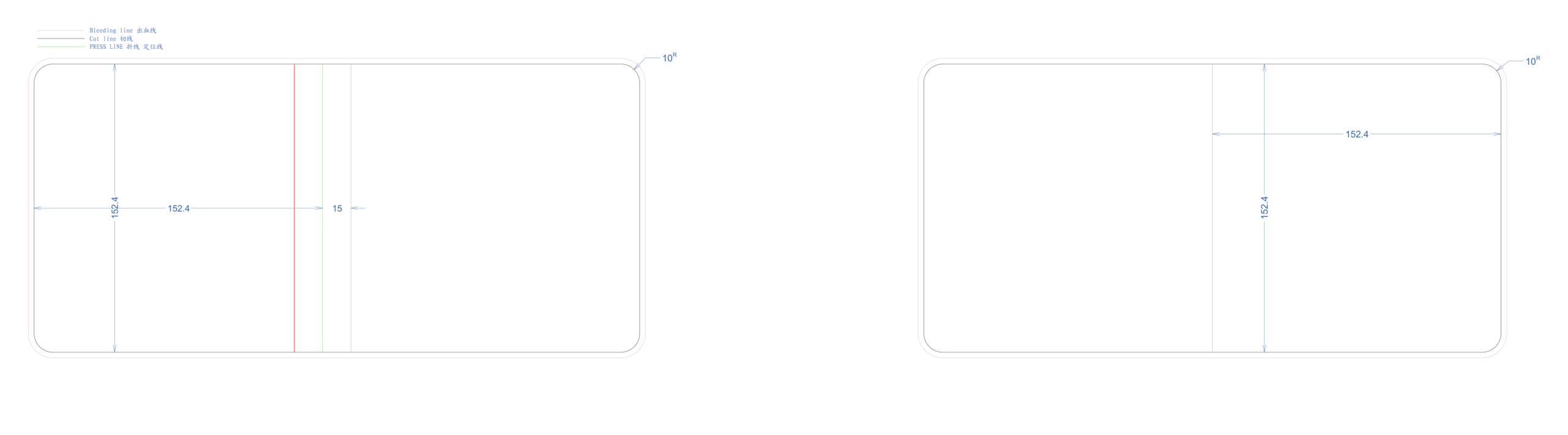
Square Children's Board Book
Heavyweight mounted board book spread with 5mm spine wrap and child-safe rounded corner radius.
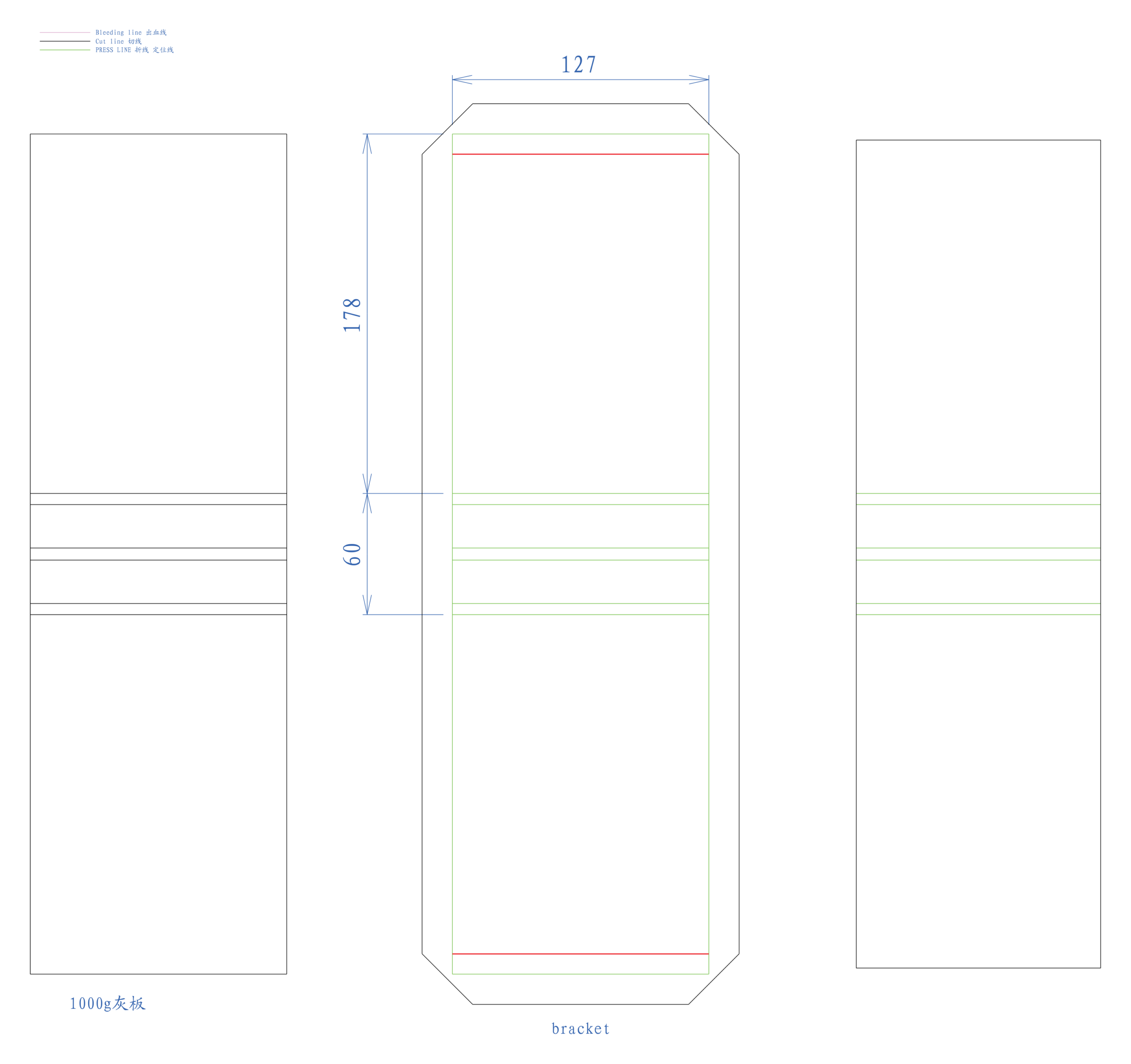
Compact Desk Tent Calendar
Standing triangular easel board base and 13-sheet wire-bound monthly flip card template.
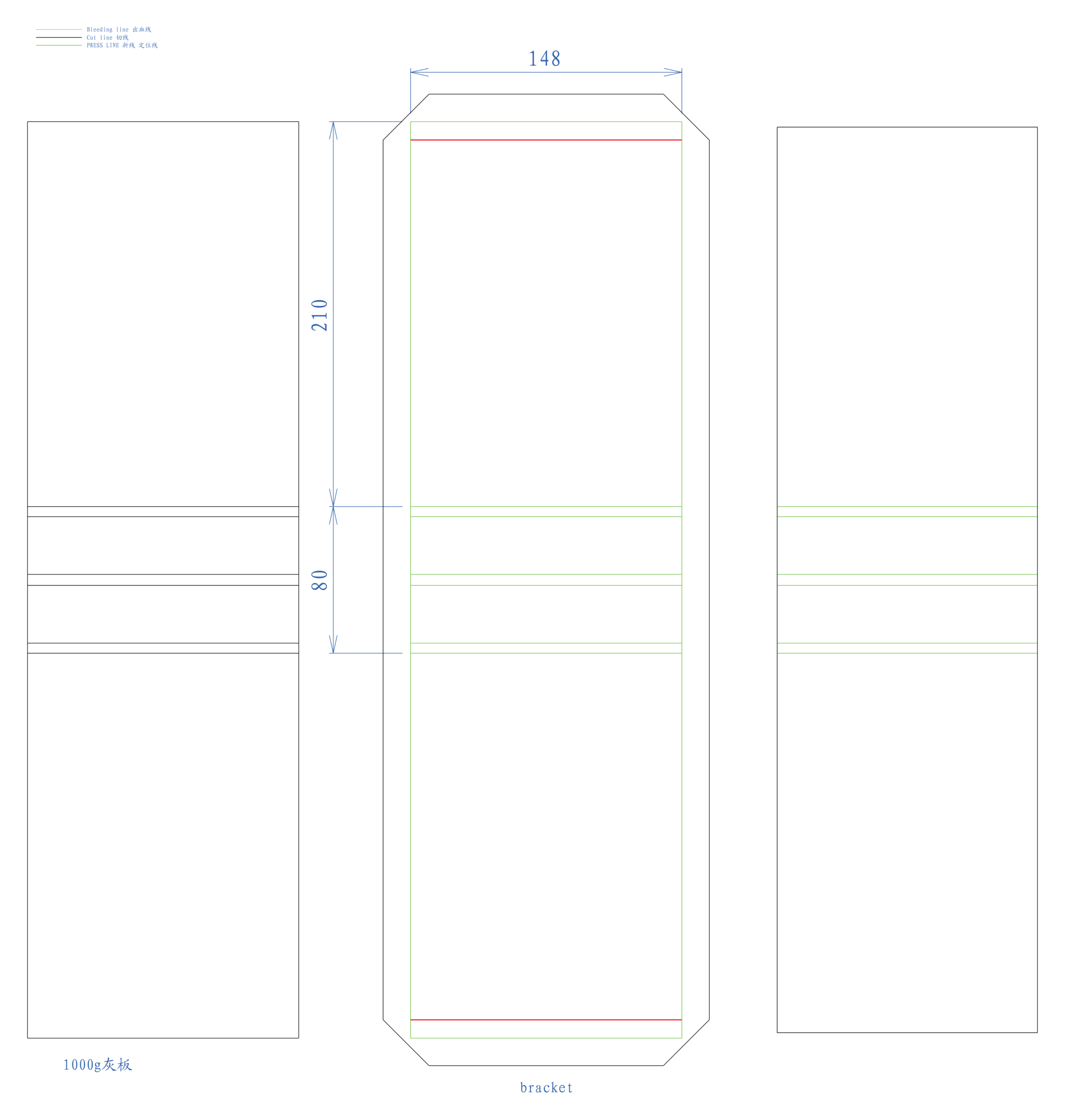
Standard A5 Easel Desk Calendar
Heavy-duty cardboard stand folding template with top twin-loop wire binding punch positions.
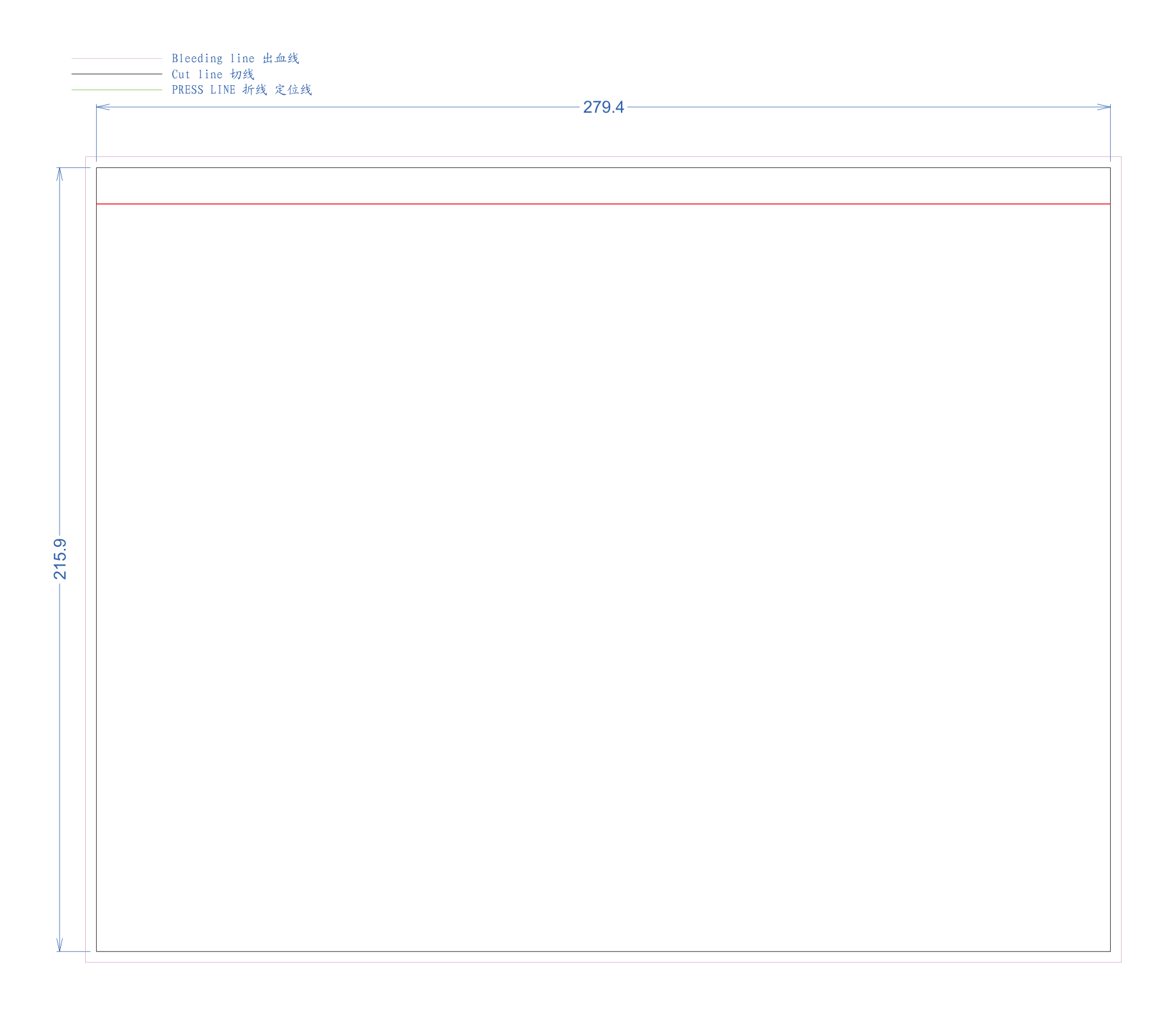
Landscape Hanging Wall Calendar
Center-bound wire-o calendar dieline with 5mm half-moon thumb notch and hanging wire hook notch.
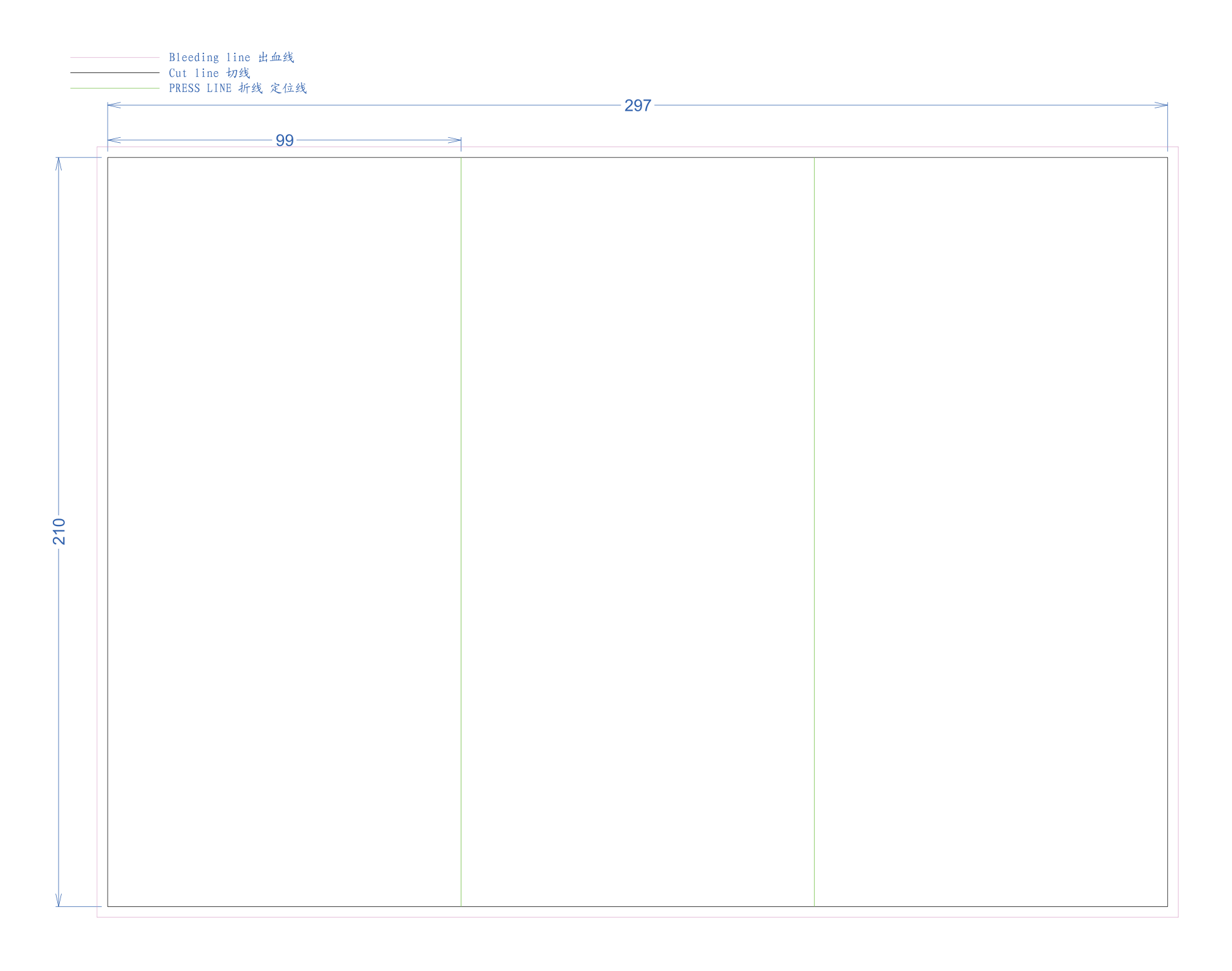
A4 Tri-Fold 6-Panel Brochure
Standard 6-page roll fold brochure with calibrated 97mm infold panel to ensure flat closure.
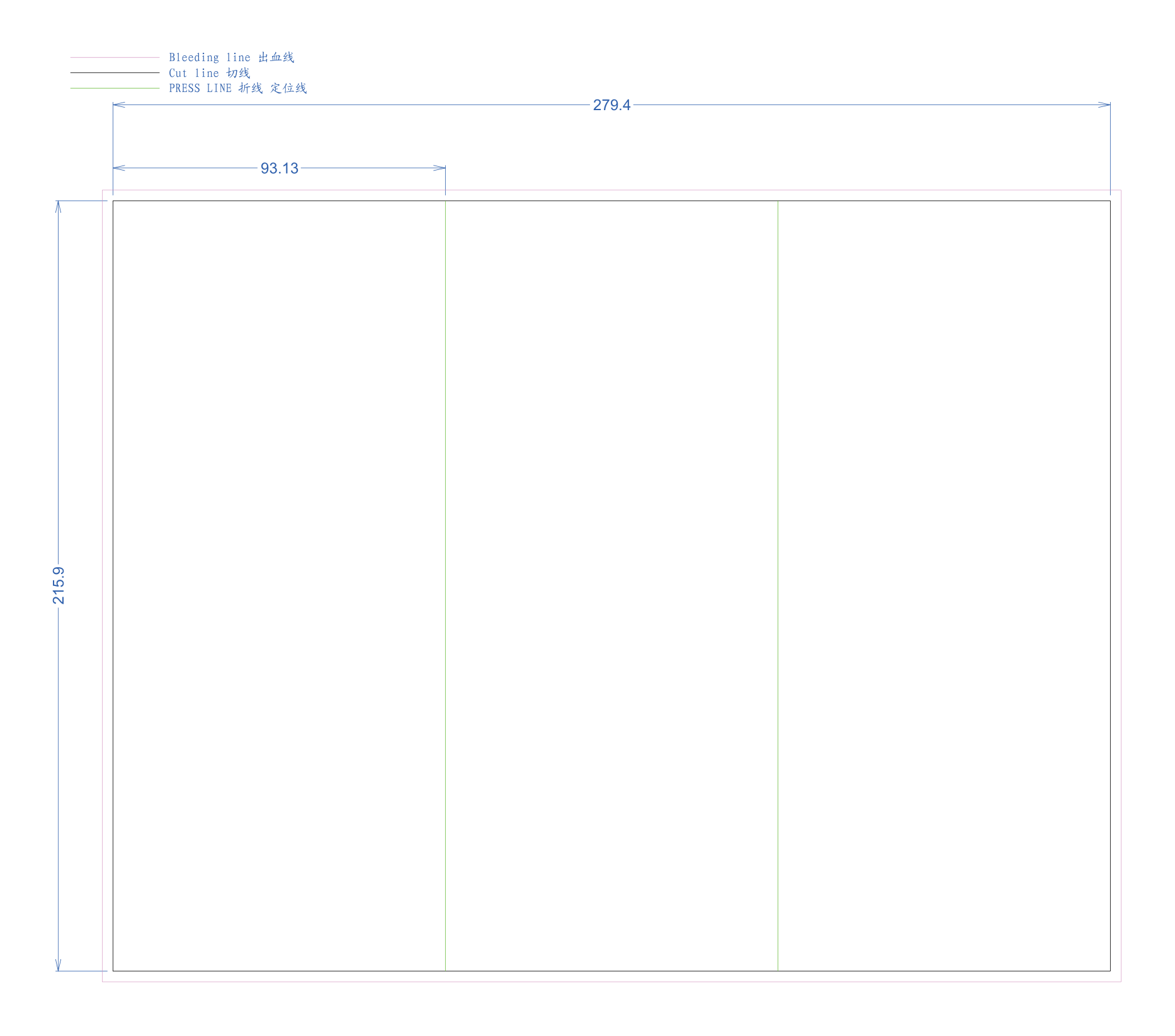
US Letter Tri-Fold Brochure
US Letter 3-panel fold layout with score crease positions and 3mm outer bleed limits.
Images & Color Management
Commercial offset lithography relies on precise optical density and CMYK ink transfer. Following these image resolution and color separation standards ensures vibrant, accurate color rendition without pixelation or muddy shifts.
5.1 Image Resolution & Prepress Standards
Commercial Press Standard
All raster photography, scans, and color artwork must have an effective resolution ≥300 DPI at 100% final printed physical size.
Web Images Unsuitable
Web graphics and social media photos (72–150 DPI) look acceptable on monitors, but print pixelated and blurry on commercial offset presses.
Upscaling Does Not Add Detail
Scaling up a low-res image in software merely duplicates blurred pixels. Always supply original high-resolution camera raw files or scans.
A high pixel count does not guarantee print clarity. Final reproduction sharpness also depends on JPEG compression artifacts, optical focus, lens sharpness, and scale. さらに, always check Effective PPI in InDesign's Links panel: scaling a 300 DPI photo up by 200% on the page reduces its effective resolution to 150 DPI!
5.2 Color Settings: RGB vs. CMYK & Pantone Spot Colors
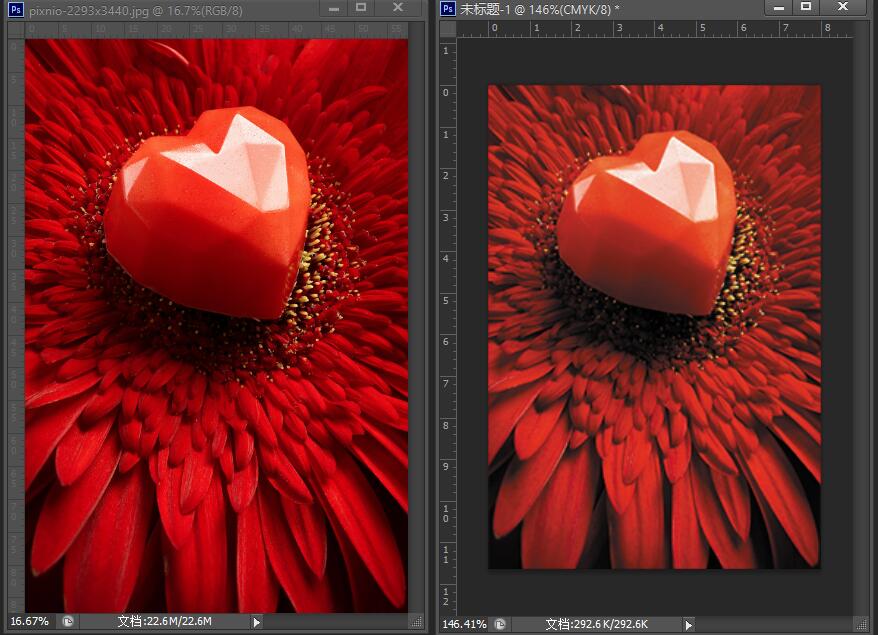
RGB vs. CMYK Gamut Shift
Computer monitors emit additive RGB light; printing presses apply subtractive CMYK physical inks. Because RGB has a broader color gamut, vibrant electric neon greens, bright cyan blues, and fluorescent purples naturally compress to deeper, natural tones on press.
標準: Convert all images to CMYK (ISO Coated v2 / GRACoL 2006).Official Pantone Matching System (PMS)
When exact corporate brand identity or fluorescent/metallic inks are required, specify official Pantone solid coated or uncoated swatch names (例えば. PANTONE 186 C). Never invent custom spot names or provide RGB approximations for spot inks.
5.3 Prepress Proofing Tiers & Color Verification
To establish unambiguous color and structural expectations, we classify prepress proofs into 4 industrial tiers:
Soft Proof (Screen PDF)
Electronic PDF proof with trim and bleed guides. Used to verify pagination, reading sequence, and text flow. (Not for color calibration).
Digital Proof (Inkjet Match)
High-precision calibrated Epson proof simulating 98% offset gamut. Used to evaluate tonal balance, contrast, and color balance.
Contract Proof (Press Match)
Printed on production paper stock using calibrated press inks. The certified contractual benchmark for color sign-off on press.
Production Sample Dummy
Fully constructed physical mock-up used to examine spine thickness, board rigidity, opening behavior, and paper stiffness.
Fonts & 文章
Typography conveys the core intellectual content of your book. Proper font embedding and single-channel black separation guarantee razor-sharp letterforms without ghosting, font substitution, or registration blur.
Font Embedding & Outlining
All fonts must be 100% embedded in the exported PDF, or converted to vector outlines (Type > Create Outlines). This prevents missing font warnings and unwanted font substitutions on prepress RIPs.
Small Text & Hairline Rules
Body text must be at least 6pt; reverse/knockout text on dark backgrounds must be at least 7pt. Linework strokes must be at least 0.25pt (0.09mm) to prevent breaking on plates.
Pure Black Body Copy
All paragraph text and captions must be set to pure black (C:0 M:0 Y:0 K:100) with Overprint enabled. Never use 4-color Rich Black on small text to avoid colored registration halos.
Rich Black for Large Panels
For solid black background panels over 20mm, use balanced Rich Black (C:30 M:30 Y:30 K:100) to produce a deep, velvety obsidian tone without gray washouts.
Why Small Text Demands 100% K Black (Single Plate)
Printed on 1 single black plate. Edges remain laser-sharp and clean at microscopic scale with 0 registration risk.
Superimposes 4 separate plates. Standard 0.05mm press movement creates blurry colored halos and reading fatigue.
A critical distinction exists between technical prepress file verification and editorial proofreading:
- 解決 & DPI compliance (≥300 DPI)
- ブリード, trim, and safety margin allowances
- CMYK / RGB / Pantone color profiles
- Special finish vector separation layers
- Spine width formula verification
- Spelling, grammar, and typos
- 索引, TOC, and page numbering order
- Image copyright, ISBN & barcode accuracy
- Layout composition & design aesthetics
- Final text approval before press sign-off
Special Finishes
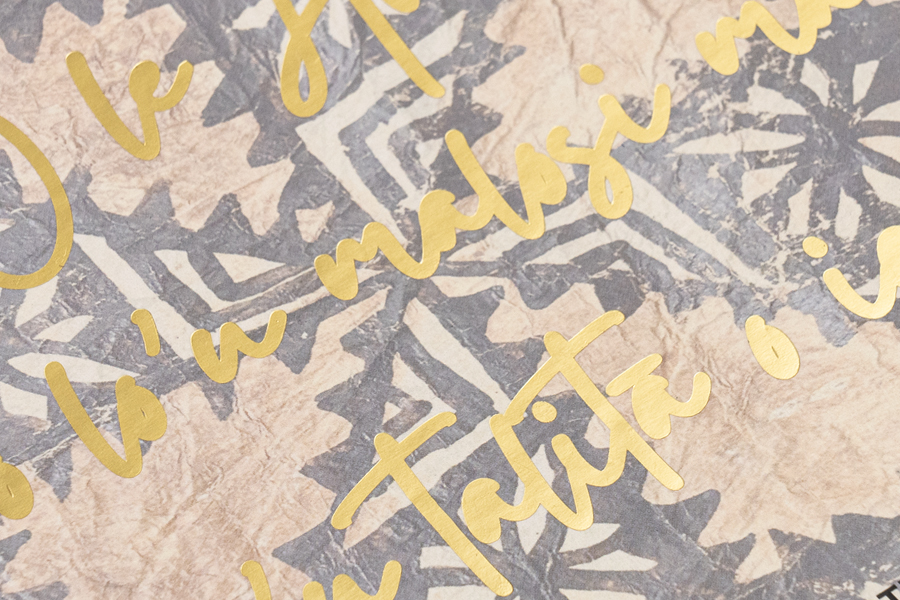
Specialty surface embellishments—including Hot Foil Stamping, スポットUV, エンボス加工, デボス, and Custom Die-Cutting—require dedicated vector separation to produce accurate stamping dies and silkscreen stencils.


• 100% Solid Fills Only: Never apply color gradients, drop shadows, フェザリング, or transparency to finishing layers. Stamping dies and screen stencils require solid binary on/off contours.
• Hinge & Fold Clearance: Keep foil stamping, スポットUV, and embossing at least 8mm–10mm away from the spine hinge groove and fold creases on hardcover publications.
• 1:1 Geometrical Alignment: The specialty finish layer must align with 100% exact scale and position over the underlying CMYK design without shifting or rotation.
• Pre-Production Die Verification: For ultra-fine vector artwork or micro-embossing, consult our engineering prepress team for die feasibility review before ordering brass tooling.